AI DAM Librarian
A prototype AI agent that looks after a digital asset library. It writes alt text and metadata, keeps tags on an approved vocabulary, flags duplicates and rights problems, and works only within the limits a person sets. The AI suggests; the person decides.
What you can try today
- Open the mock DAM, a pretend asset library full of typical problems: missing alt text, messy tags, duplicates and expired licenses. Press Drop in a new asset.
- Open the dashboard. Within a few seconds the agent picks up the new asset: confident fields are written, anything uncertain waits in the Review queue.
- In the review queue, approve, edit or reject what the AI wrote. Your edits are logged as corrections.
- In Agent controls, change the autonomy level and confidence threshold, run the agent on a whole folder, or press Stop agent now.
- Every action is in the Activity log with before and after values, and can be undone.
How it works
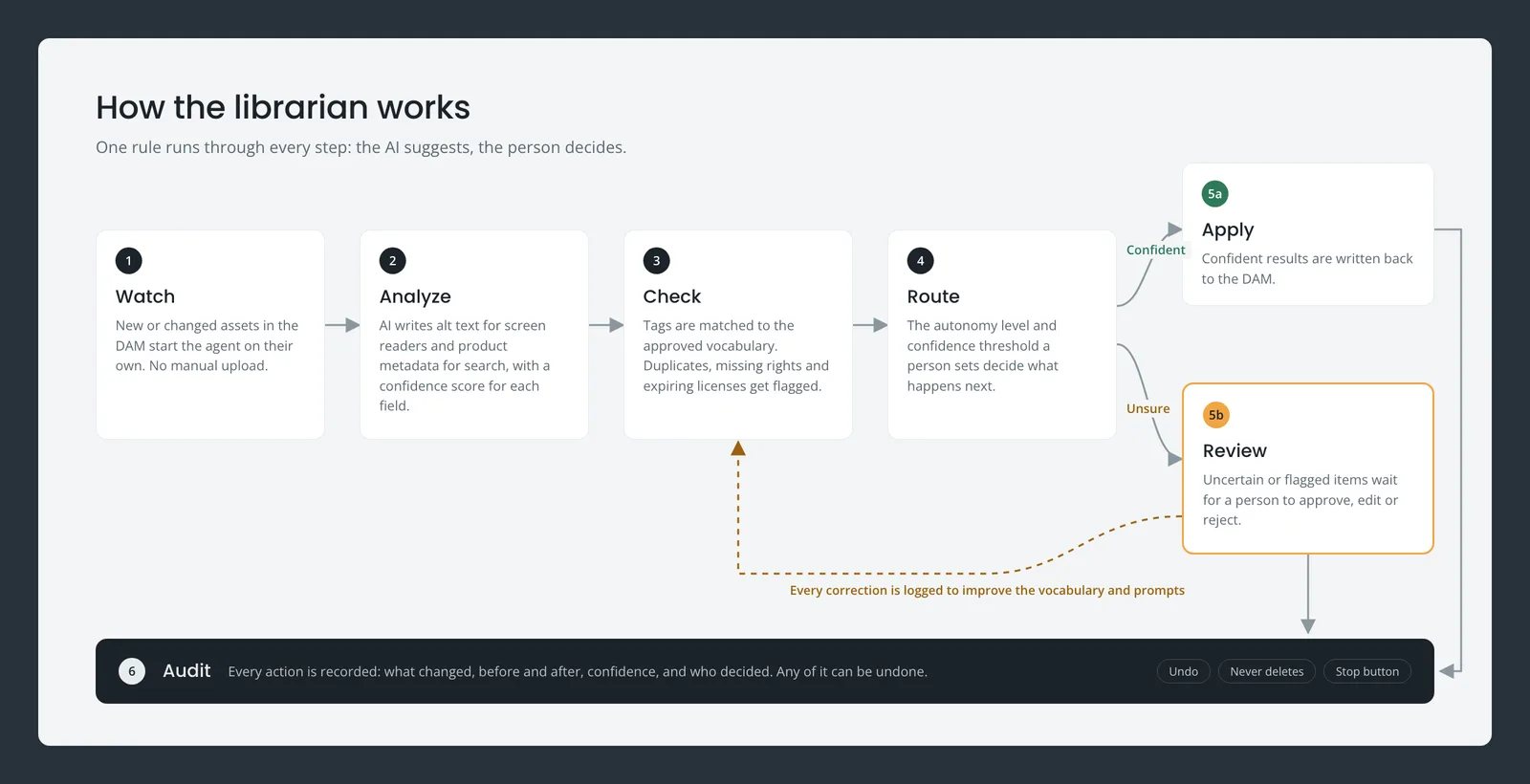
Watch
New or changed assets in the DAM start the agent on their own. No manual upload.
Analyze
AI writes alt text for screen readers and product metadata for search, with a confidence score for each field.
Check
Tags are matched to the approved vocabulary. Duplicates, missing rights and expiring licenses get flagged.
Route
The autonomy level and confidence threshold a person sets decide what happens next.
Review
Confident results are written back. Uncertain or flagged items wait for a person to approve, edit or reject.
Audit
Every action is recorded with before and after values, and any of it can be undone.